Where Marker works well
- Casual names, notes, and labels that should feel hand-written, not typeset.
- Quick tag drafts before committing a lettering direction on paper.
- Exact-text PNG exports where the spelling must stay intact.
Marker lettering imitates the fast, single-width stroke of a permanent marker. The GraffForge Marker preset sets your exact text in the Permanent Marker typeface with a slight lean, giving browser text a casual, hand-drawn feel; it does not simulate ink bleed or chisel-tip pressure. The marker graffiti font behind it, Permanent Marker, is set to your exact text.
Prepared and maintained by the GraffForge Editorial Team.
Each marker graffiti font sample here was exported from the same deterministic Marker preset used below. They show browser-rendered product output, not photographed ink or work attributed to outside artists.
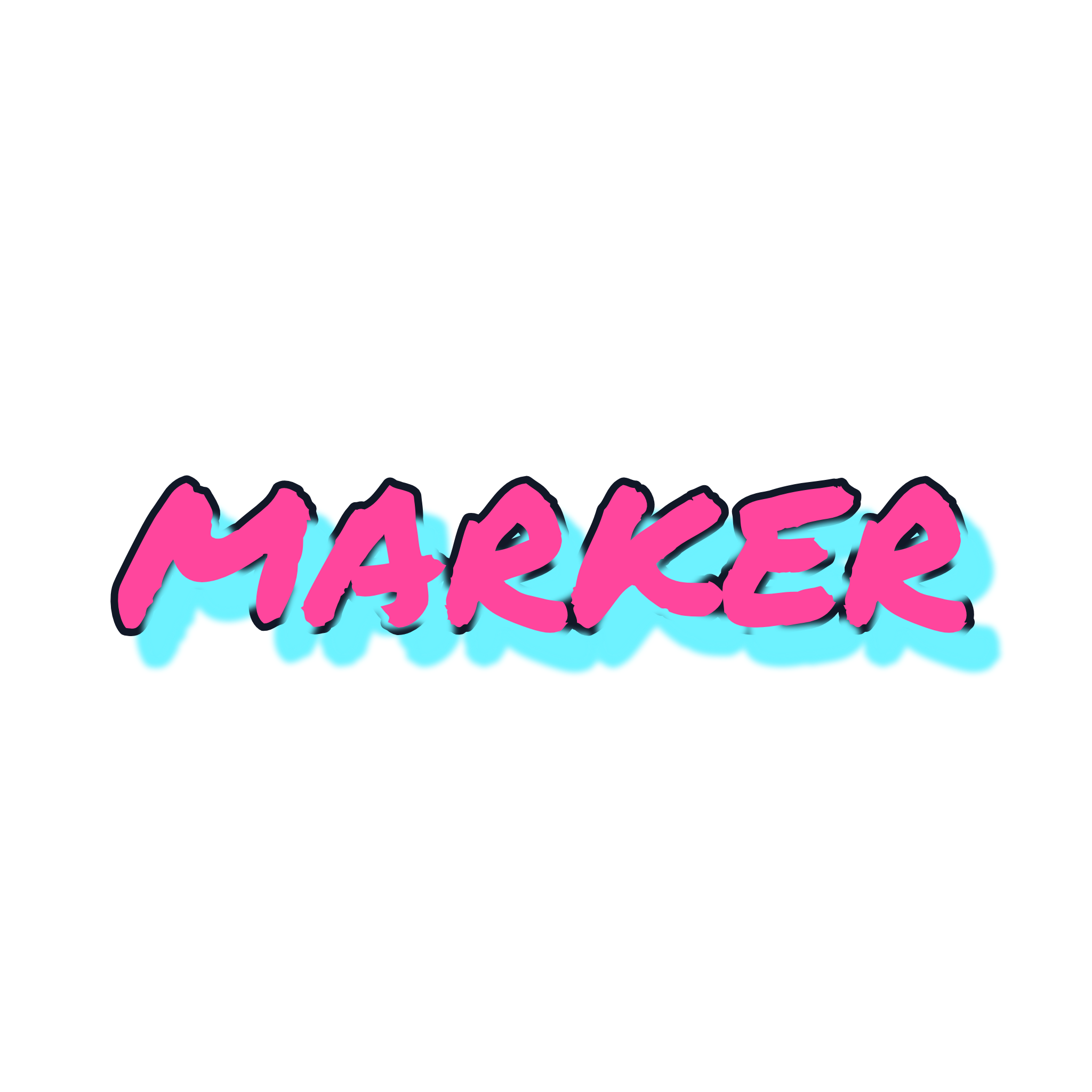
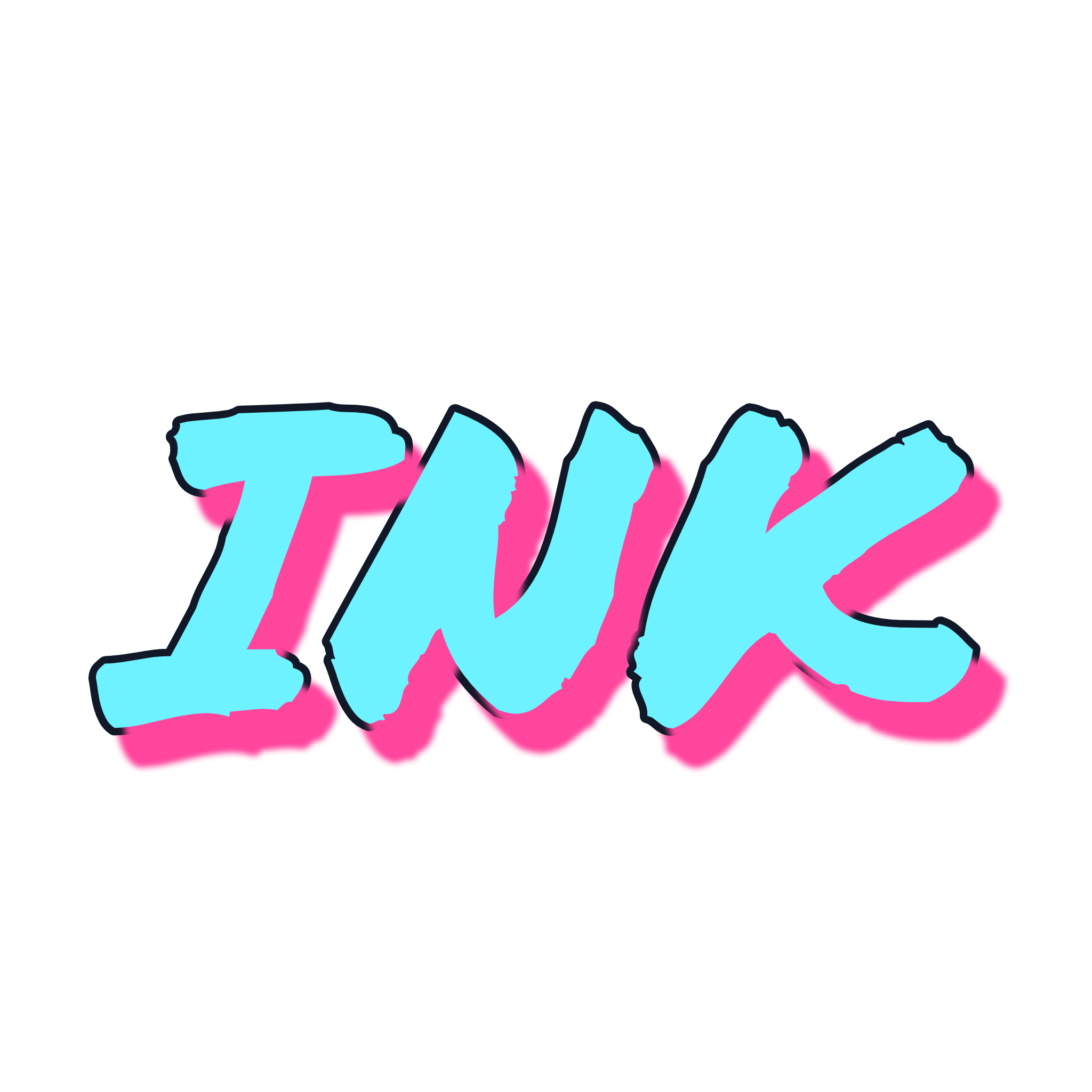
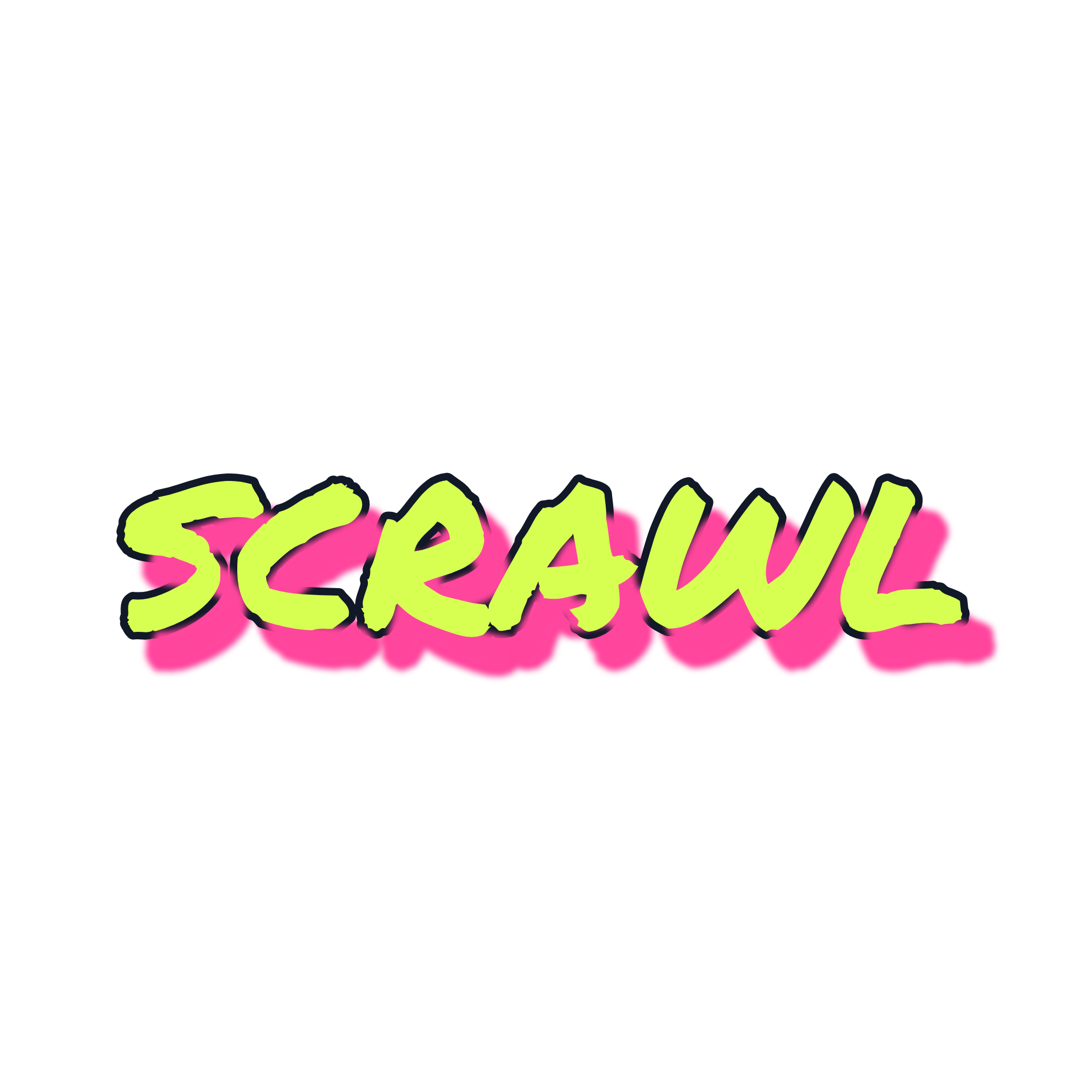
Marker keeps a steady, casual handwritten stroke. Handstyle leans harder into tag culture with a looser slant, and Drip swaps ink for spray-paint texture. Choose Marker for clean handwritten notes, Handstyle for tag energy, or Drip for surface texture. The marker graffiti font reads best on short, casual words — test yours in the editor below.
Replace MARK with your word, compare it with Handstyle and Drip, then export the marker graffiti font rendering as a transparent PNG.
1–20 characters, with no more than one space.
4/20Select any preview to edit it. Preferred styles for this task appear first.
Selected: Marker
Browser-only preview. Export is rendered at 2048 × 2048 pixels.
Export with real alpha pixels.
We use optional cookies for anonymous product analytics. Session recording stays off unless you accept. You can change your choice at any time. Privacy Policy