How to Put Your Name in Graffiti Letters
You already have a name. Judge whether it holds as graffiti letters, pick a first style, generate or draw it, and export a free 2048px PNG you can use.
You already have a name. It may be the name you sign, a nickname people already use, or a tag you already write. The letters do not exist yet.
If you still need to invent a name, use the graffiti tag names guide and come back with one. This page does not offer naming ideas. The graffiti fonts guide already covers the 12 styles. The graffiti letters maker guide already covers letters that collapse.
See if the name holds
A name holds when the field accepts the spelling and every letter still reads in a plain style.
The name generator, the font generator, the letters maker, and the online graffiti generator share one limit. The text must be 1 to 20 characters, with at most one space. Every character must be a Latin letter, a digit, a space, or a basic mark. The marks are the period, the comma, the apostrophe, the exclamation mark, the question mark, the ampersand, the plus sign, and the hyphen. A mark counts toward the 20 characters.
The counter beside the hint shows the character count out of 20.
One space. A single name or a tag usually has no space. Two words you already use together take the one allowed space. A space at either end still counts as that space, and it still counts in the length.
Two spaces. A second space fails the name generator. The field reports "Use no more than one space." NORTH SIDE CREW is an example of that failure. NORTH is 5 characters, the first space is 1, SIDE is 4, the second space is 1, and CREW is 4. The total is 15. The length passes. The second space fails. Shorten the string to a nickname or a tag you already have. Do not invent a replacement on this page.
Refused characters. An accented letter, a letter from another script, or an emoji fails. The field reports "Use Latin letters, numbers, spaces, and basic punctuation only." Nothing is substituted.
Length. 20 characters fit. 21 characters do not fit. The field reports "Text can use at most 20 characters." An empty field reports "Enter at least one character." The preview shows MILA instead of a blank. Download PNG stays disabled while any error shows.
If the line is wider than the 2048px canvas allows, the export draws it smaller. A short form you already use keeps more room for each letter.
The tag tool. The graffiti tag generator allows at most 10 characters. It does not use the one space rule. Past 10, the field reports "Tags can use at most 10 characters." A tag of 11 to 20 characters belongs on the name generator.
MILA. MILA is the text the name generator shows before you type. Four Latin letters, no space. It fits. It also contains an M and an I. Those letters often fail in a heavy style, so a spelling the field accepts can still fail when you try to read it. Render MILA in Block and name M, I, L, and A. Then replace it unless MILA is your name. The letters on the page are the characters you type.
The plain style test. Render your name in Block and say each letter. If you can name every one, the spelling can carry a louder style. Stop if an M or a W collapses into its neighbor, if an I disappears, or if a closed counter fills in. A closed counter is the hole inside a letter such as O, A, or B. The repair is in the graffiti letters maker guide.
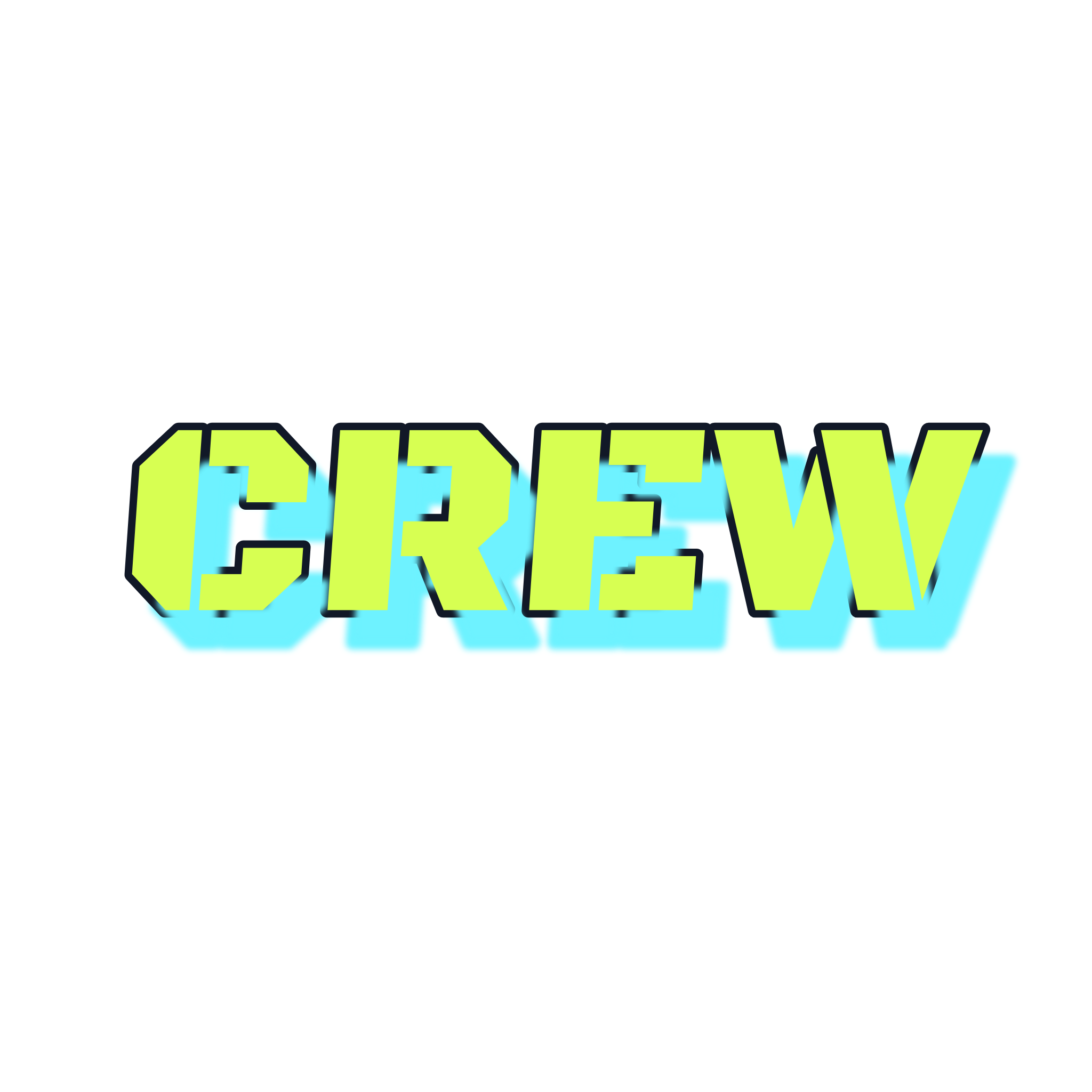
CREW in the picture is a sample word in Block, not your name. Yellow fill, dark outline, cyan offset shadow, black background. Read the front letters, not the shadow behind them.
Try a readable style first
Start with Block or Bubble. Block is heavy, readable capitals. Bubble rounds the joints and stays readable when the holes stay open. The name generator opens on Bubble. Block is in the same style grid. Use Block for the plain style test. Use Bubble when the round letters still read.
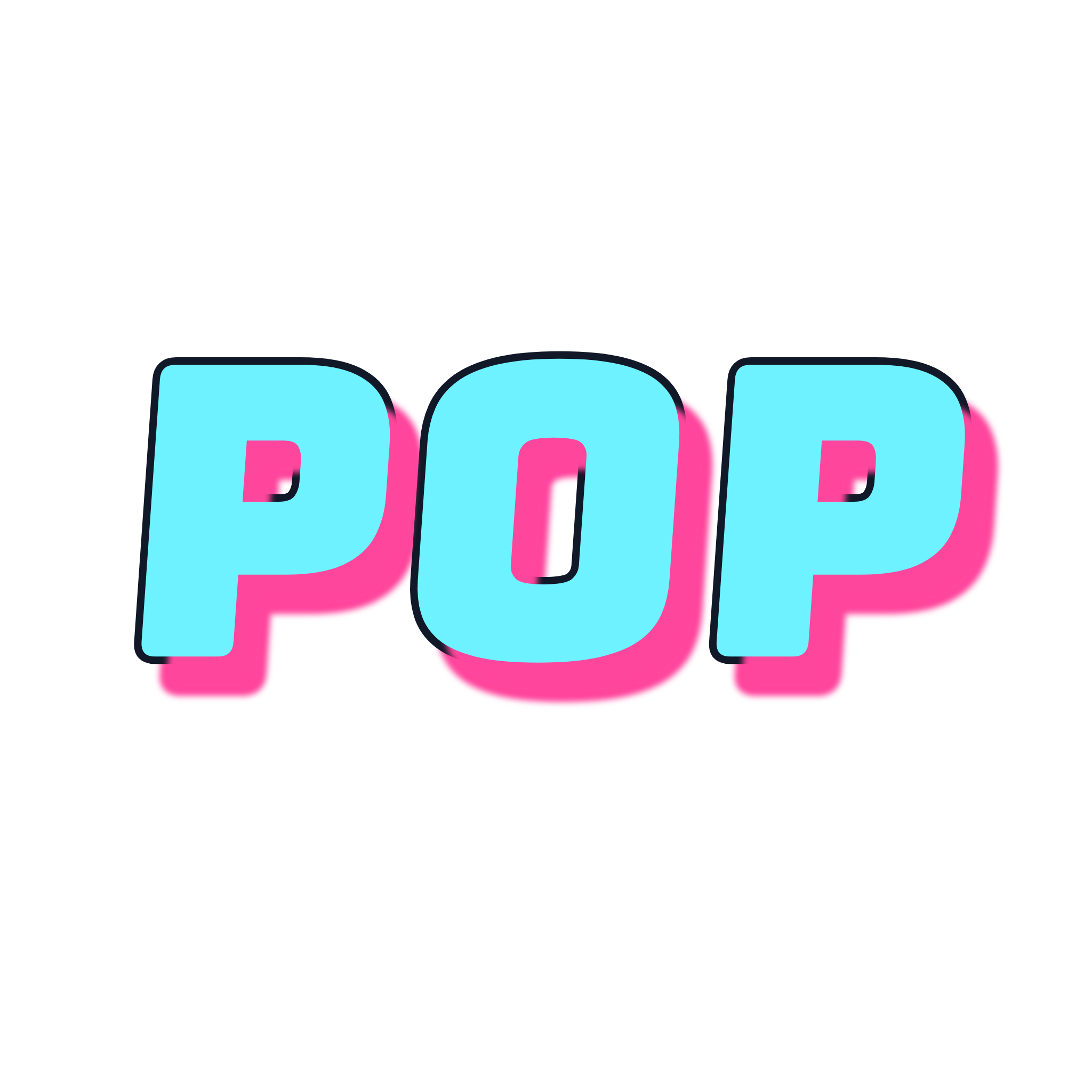
POP is a sample word in Bubble, not a name. Cyan fill, dark outline, pink offset shadow, black background. The O keeps a tall hole, and both P letters keep a counter. If a hole in your name closes, reduce Outline width and look again.
Marker is the fast handwritten line. Use it after Block or Bubble already reads. Read the thin letters again. A new stroke does not repair a letter you still cannot name.
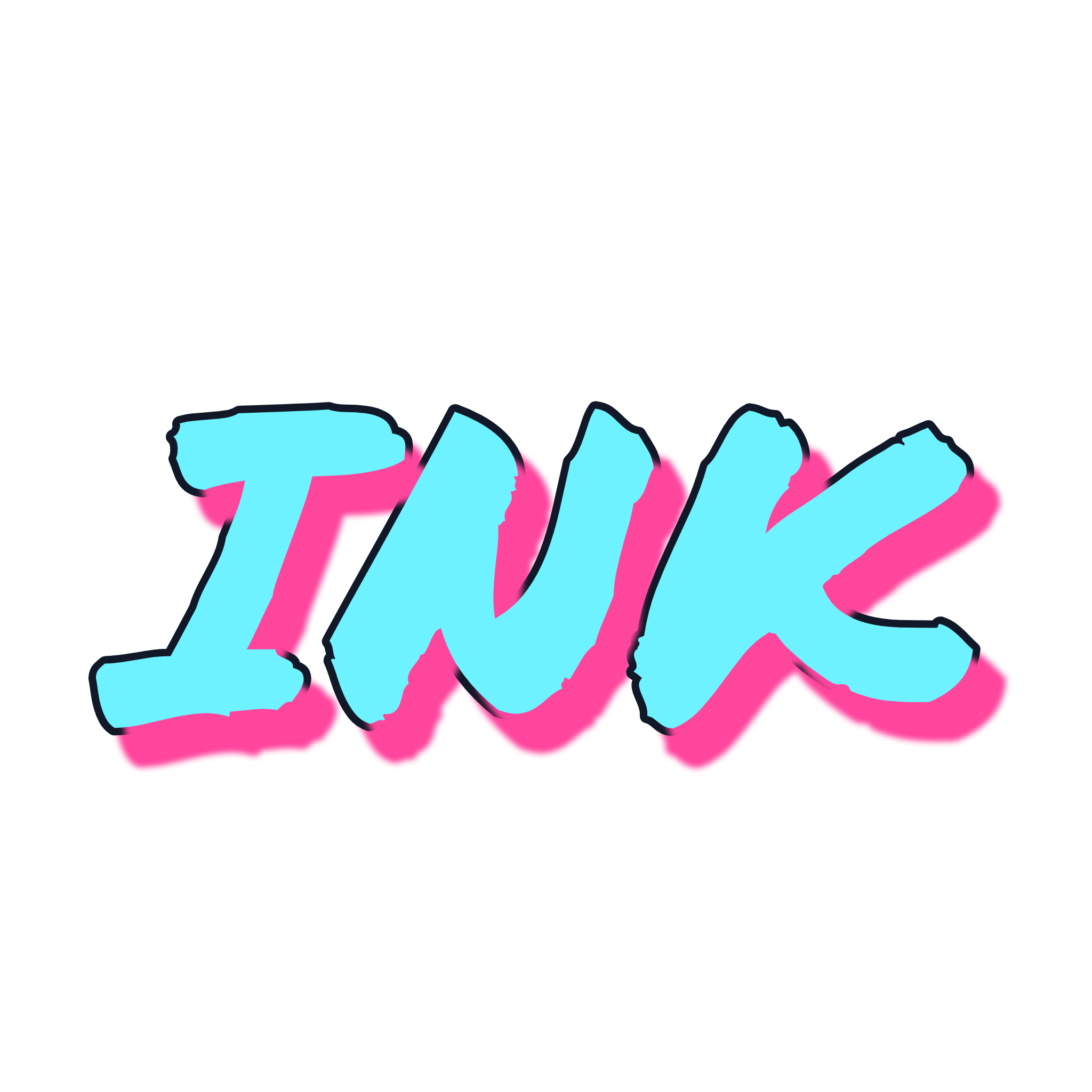
INK is a sample word in Marker, not a name. Cyan brush fill, dark outline, pink offset shadow, black background. The I stays a separate stroke between N and K.
The 3D style comes after the letters already read. The extra depth can cover a thin I or crowd a small hole. If a letter fails, go back to Block.
Wildstyle comes later. Open wildstyle graffiti only after Block already reads. The graffiti fonts guide linked above is the catalog of all 12 styles.
Generate the name, or draw it
Open the graffiti name generator when the spelling has to stay exact and you need a file. The field starts as MILA, and Bubble is selected.
- Type the name. Use the exact spelling. Nothing is substituted. Replace MILA unless MILA is the name.
- Compare styles. Start with Block or Bubble. Select the preview and read every letter before you change a color.
- Tune Fill, Outline, Shadow, Letter spacing, and Tilt only after the letters read. The preview starts with a small tilt and a visible outline. If two letters touch, increase Letter spacing. If the tilt is pulling them together, move Tilt closer to 0. If a hole closes, reduce Outline width.
- Export. The button label is Download PNG. The file is a 2048px PNG. There is no watermark. There is no account.
Drawing is the other path. Follow how to draw graffiti letters when the letters should come from your hand. That guide gives the drawing order. A spelling the field refuses, including a second space or an accent you are keeping, belongs there.
The graffiti letters maker and the graffiti font generator edit the same letters, with the same 1 to 20 character limit and the same one space rule. Use the maker to judge structure. Use the font generator for a readable title. For the name, stay on the name generator.
When one character keeps failing on its own, open the graffiti alphabet and study that character alone, then put it back in the name.
Export the PNG
Select Download PNG. The file is a PNG, 2048 pixels wide and 2048 pixels tall. When the export finishes, the page reports "PNG downloaded."
Transparent background is off until you turn it on. Until then, the PNG includes a solid background. Turn the switch on when the empty area has to stay empty on a shirt, a poster, or another design. The steps are in make a transparent graffiti PNG. The switch does not change your spelling.
The result is a picture. It is not a font you can install, and it is not text you can paste into a document. Keep the characters you typed if you also need ordinary text.
Decide where it can go
Practice on paper, in a sketchbook, on a canvas, on a legal wall, and on your own projects. Do not put the name on other people's property.
The license page is the source for an export. It clears PNG files from the free Font, Tag, and Online tools for personal or commercial projects. GraffForge does not transfer the bundled font files.
AI scenes follow the account. Free and Standard are for personal use. Premium includes commercial use of generated output, subject to the license, the model provider's terms, and applicable law. The license does not guarantee that AI output is exclusive. It also does not guarantee trademark or copyright protection for that output. Do not use GraffForge to imitate a protected brand, artist, or person in a misleading or unlawful way.
The free export paragraph names Font, Tag, and Online. It does not name the name generator. Take a commercial question about a name generator file to the license page.
FAQ
What if I do not have a name yet? Use the graffiti tag names guide. This page starts after a real name, a nickname, or a tag already exists. It does not list names to invent.
How long can the name be? On the name generator, the font generator, the letters maker, and the online tool, use 1 to 20 characters and at most one space. Latin letters, digits, spaces, and basic marks are allowed. The marks are the period, the comma, the apostrophe, the exclamation mark, the question mark, the ampersand, the plus sign, and the hyphen. The example spelling NORTH SIDE CREW is 15 characters and two spaces, so the name generator rejects it. The tag tool allows at most 10 characters and does not use the one space rule.
Which style should I try first? Block or Bubble. The name generator opens on Bubble. Block is the plain style. Marker is the fast handwritten line after those two already read. Use 3D only after every letter reads. Leave wildstyle until Block holds.
Can I paste the letters into a document? No. Download PNG saves an image, 2048 pixels on each side. You cannot paste the letters as text, and you cannot install the file as a font.
Can I put the name on a shirt, a poster, or a wall? Read the license page before you sell a shirt or a poster. PNG files from the free Font, Tag, and Online tools are cleared there for personal or commercial projects. The license does not name the name generator in that paragraph. GraffForge does not transfer the bundled font files. A wall means a legal wall or a surface you own, not someone else's property. Do not imitate a protected brand, artist, or person in a misleading or unlawful way.
Put the name in the generator
Open the graffiti name generator. Replace MILA with the name you already use. Read it in Block or Bubble. If every letter holds, select Download PNG.